A free to-do app for Windows
Looking for a to-do list app for Windows that is actually free, with no subscription, no account and no cloud sync you didn't ask for?
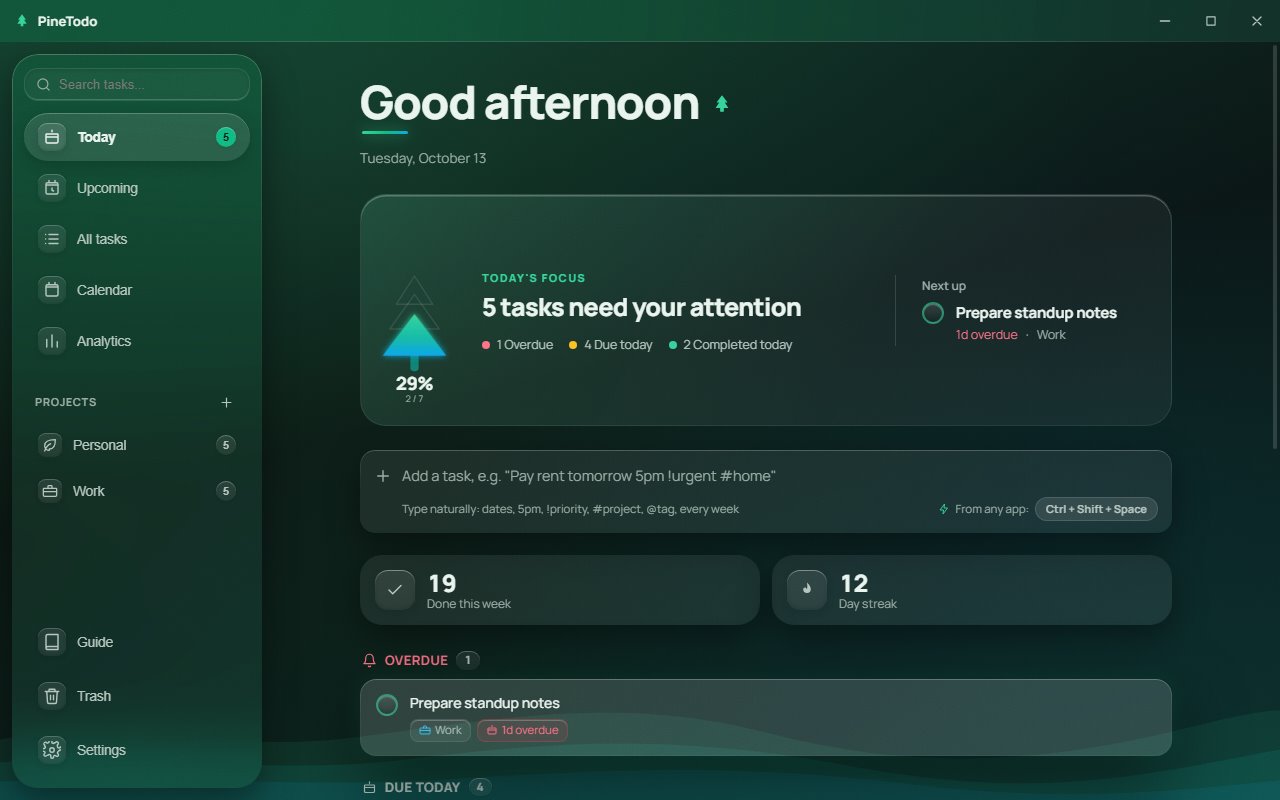
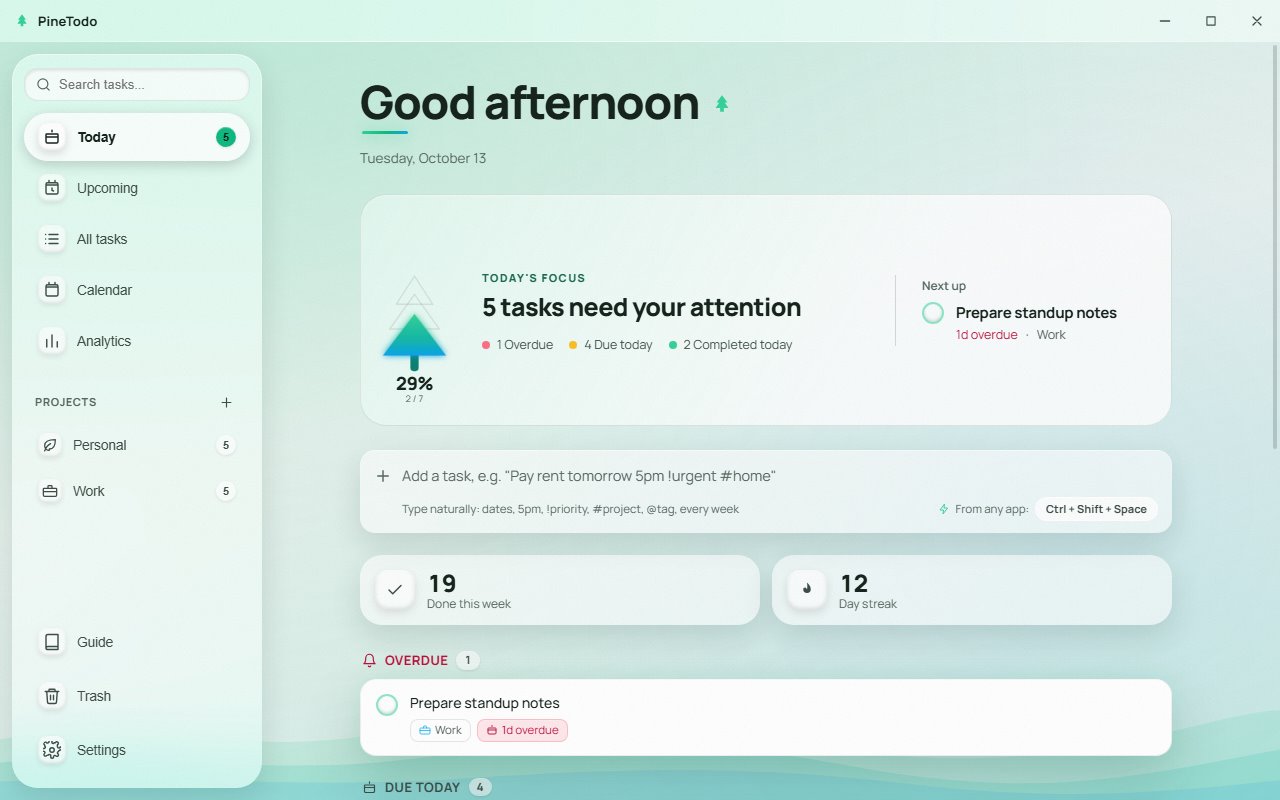
PineTodo is a free, offline to-do app for Windows 10 and 11. It installs in about a minute, needs no account, stores every task on your own PC, and covers the essentials: a focused Today list, projects, priorities, recurring tasks, a calendar and a small desktop widget.
What you get, without paying or signing up
- A Today list. Overdue, due today and completed tasks on one screen.
- Projects, priorities and tags for structure when you need it; none of it is mandatory.
- Recurring tasks: daily, weekdays, weekly, every two weeks, monthly, yearly. How repeats work.
- A global hotkey that captures a task from inside any app. See how quick capture works.
- A desktop widget: a small always-on-top card with today's tasks. It shows up to three rows plus "+N more". About the widget.
- Calendar and statistics: a month view, a 14-day completion chart and a streak counter.
Reminders, tray and autostart
- Reminders. A new task with a date gets a reminder 30 minutes before the due time by default. Change the default under Settings, Behaviour, Default reminder, set another time per task, or choose "No reminder". How reminders work.
- Closing the window keeps PineTodo in the tray. The app stays running next to the clock so reminders and the widget keep working. To quit, right-click the tray icon and choose Exit.
- Start with Windows is an option under Settings, Behaviour. When it is on, PineTodo starts minimised to the tray at sign-in.
Reminders are Windows notifications sent by the running app. If PineTodo is not running, for example after you quit it from the tray, nothing is sent.
Why offline matters
Most "free" to-do apps are trials for a cloud subscription. PineTodo works the other way round: it is a desktop program, your tasks live in a local file, and the app never asks you to log in. That also means it opens instantly and keeps working on a plane, on a locked-down work laptop, or when a vendor's servers have a bad day. More on privacy and offline use.
Fast to learn
Type Pay rent tomorrow 5pm !urgent #home and PineTodo fills in the date, time, priority and tag for you. Natural-language entry, explained.
Try it on your own tasks. Free · Windows 10 & 11 · about 147 MB · no account.
Installs to your user folder. No administrator rights needed.
PineTodo is for Windows 10 and 11. Open this page on your Windows PC to download it.
Frequently asked questions
Is PineTodo really free?
Yes. PineTodo is free to download and use, with every feature included. There is no trial period, no premium tier and no subscription.
Does it work on Windows 10?
Yes. PineTodo supports 64-bit Windows 10 and Windows 11. The installer is about 147 MB and does not require administrator rights.
Do I need an account?
No. There is no sign-up and no login. Tasks are stored locally on your PC, and you can export a JSON backup at any time.
Does PineTodo sync between computers?
PineTodo is offline by design and does not sync to a cloud. You can move your data between PCs with the built-in export and import.