A to-do list for Windows that stays on your PC
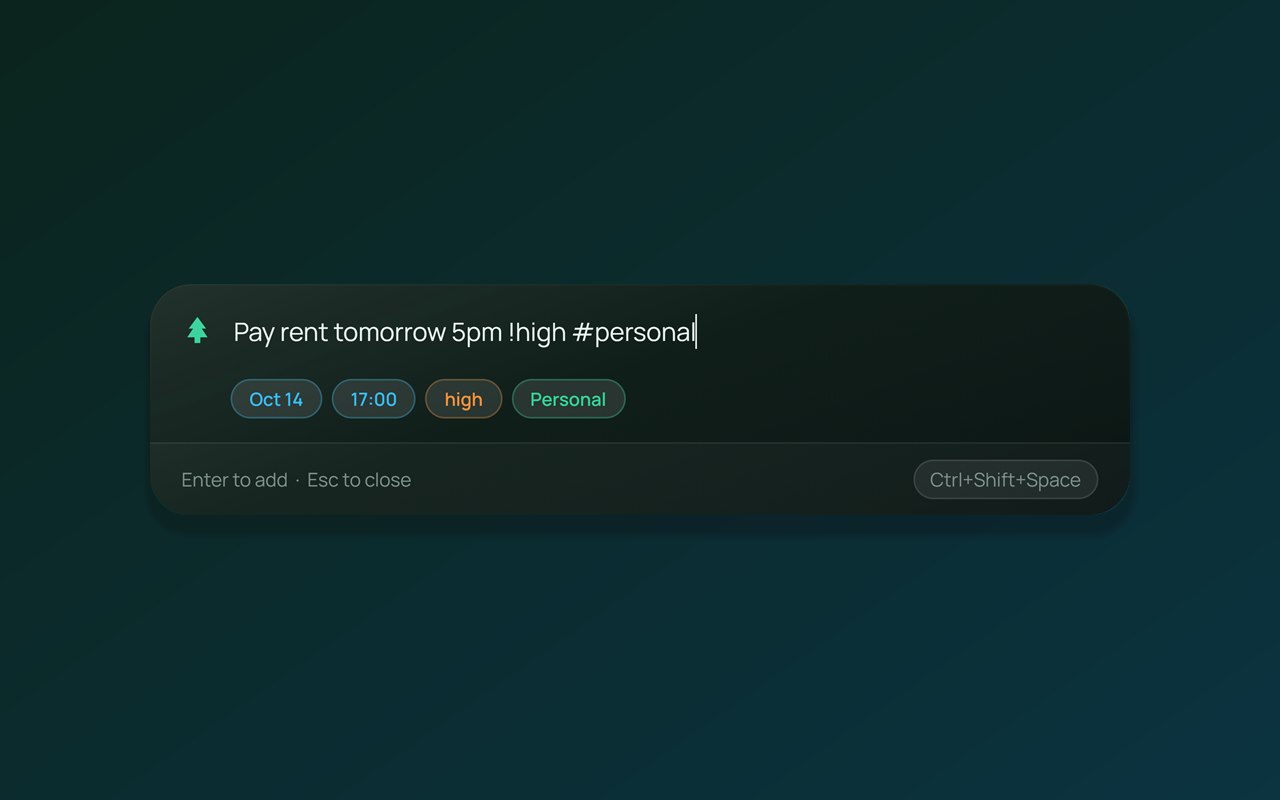
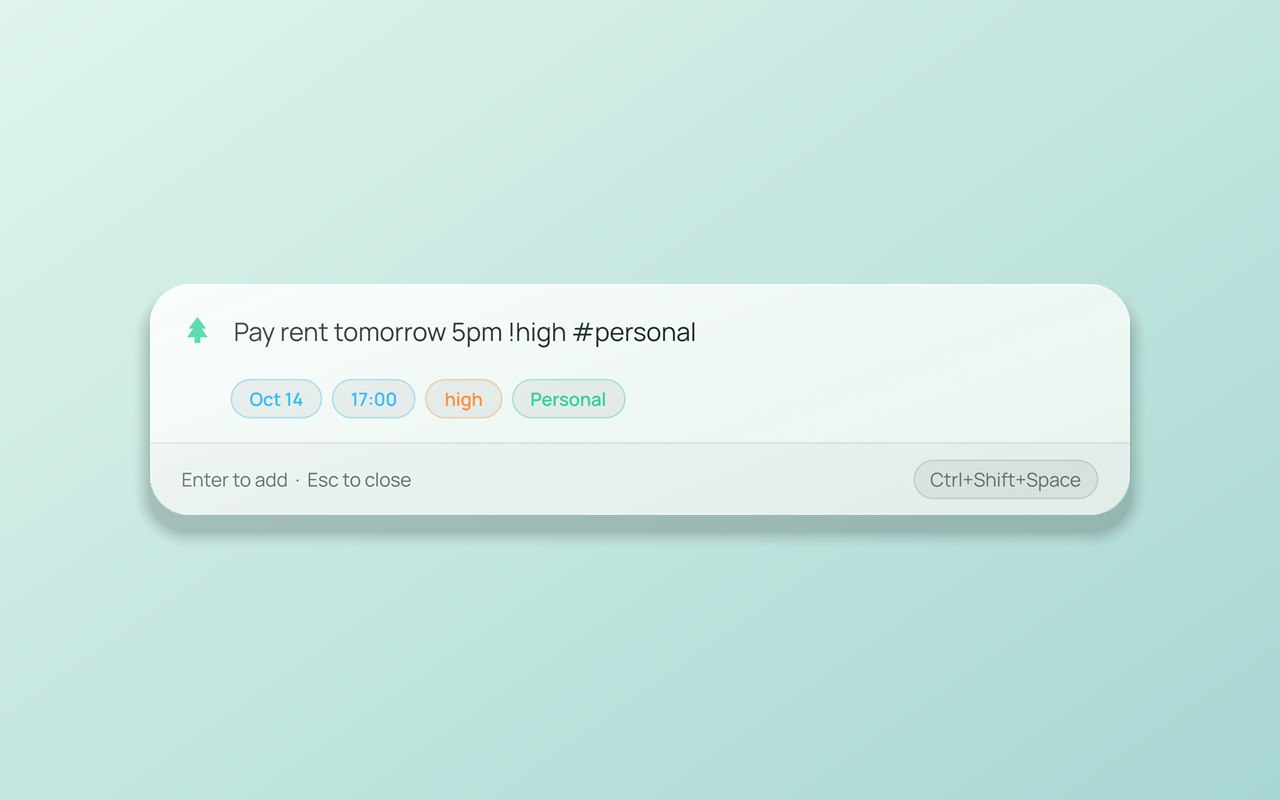
Type a task the way you'd say it and PineTodo fills in the date, time and priority. Add one from any app with Ctrl + Shift + Space.
PineTodo is for Windows 10 and 11. Open this page on your Windows PC to download it.
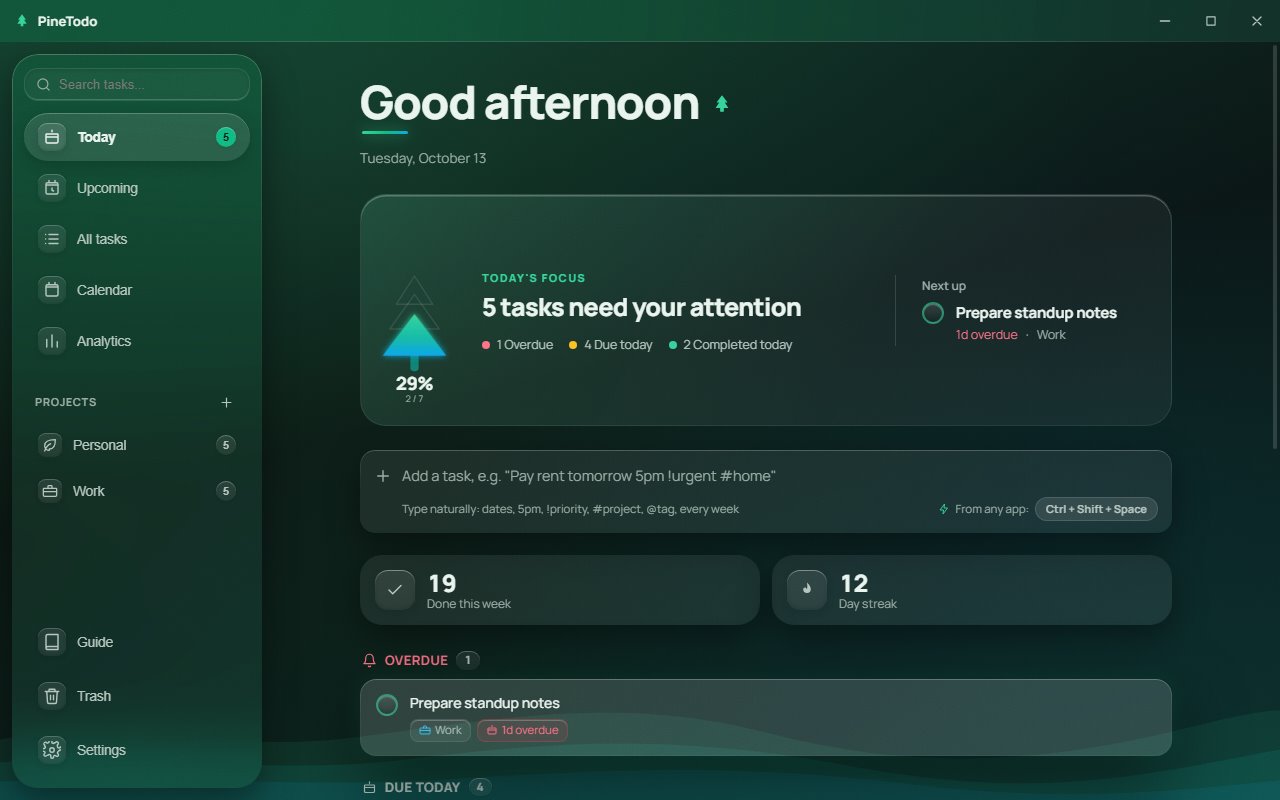
3 tasks need your attention
Click a task to tick it off.
What it does
Everything runs on your PC. No sign-up, no subscription, no sync.
Natural-language entry
Type “Pay rent tomorrow 5pm !urgent #home” and PineTodo sets the date, time, priority and project.
Natural-language task entryAdd a task from any app
Ctrl + Shift + Space opens a small prompt over whatever you're doing. Type, press Enter, carry on.
Quick capture with a hotkeyRecurring tasks
Daily, weekly, monthly or yearly. Finish one and the next date is set.
Recurring tasks and remindersCalendar and desktop widget
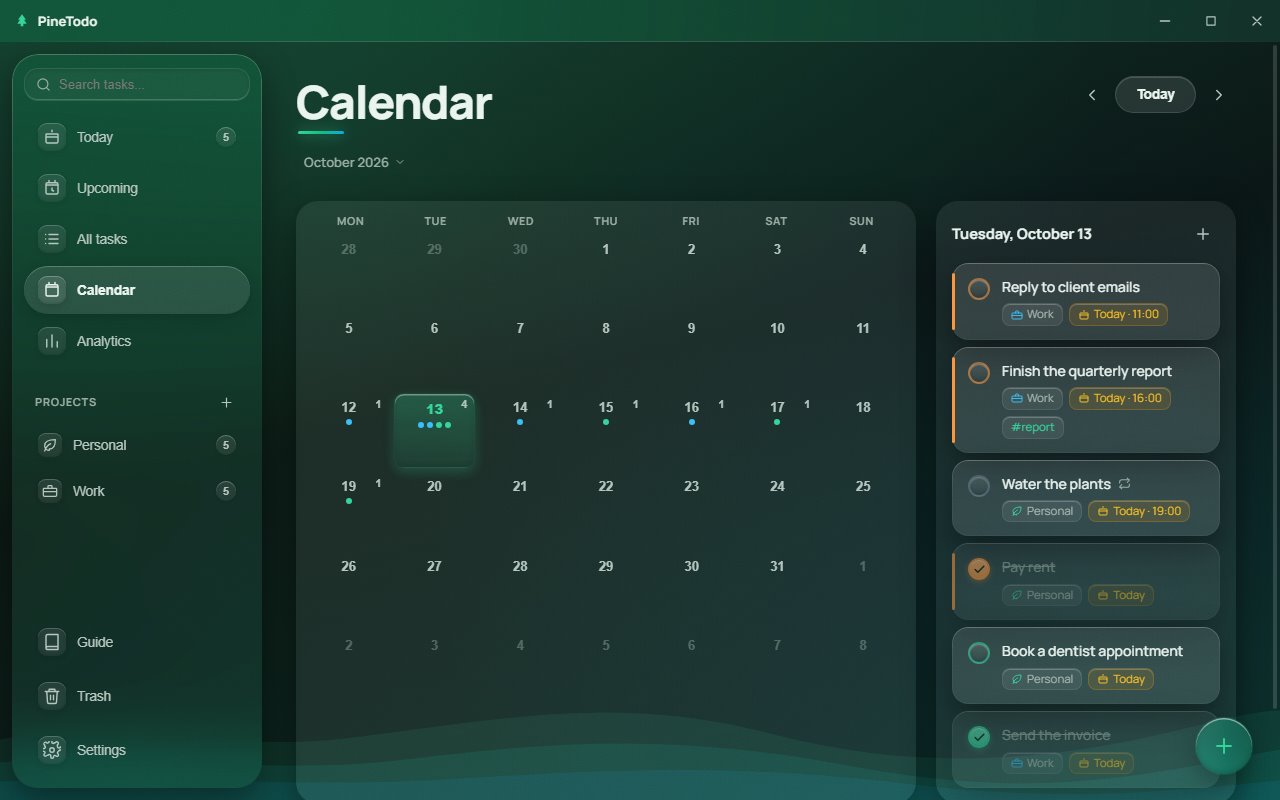
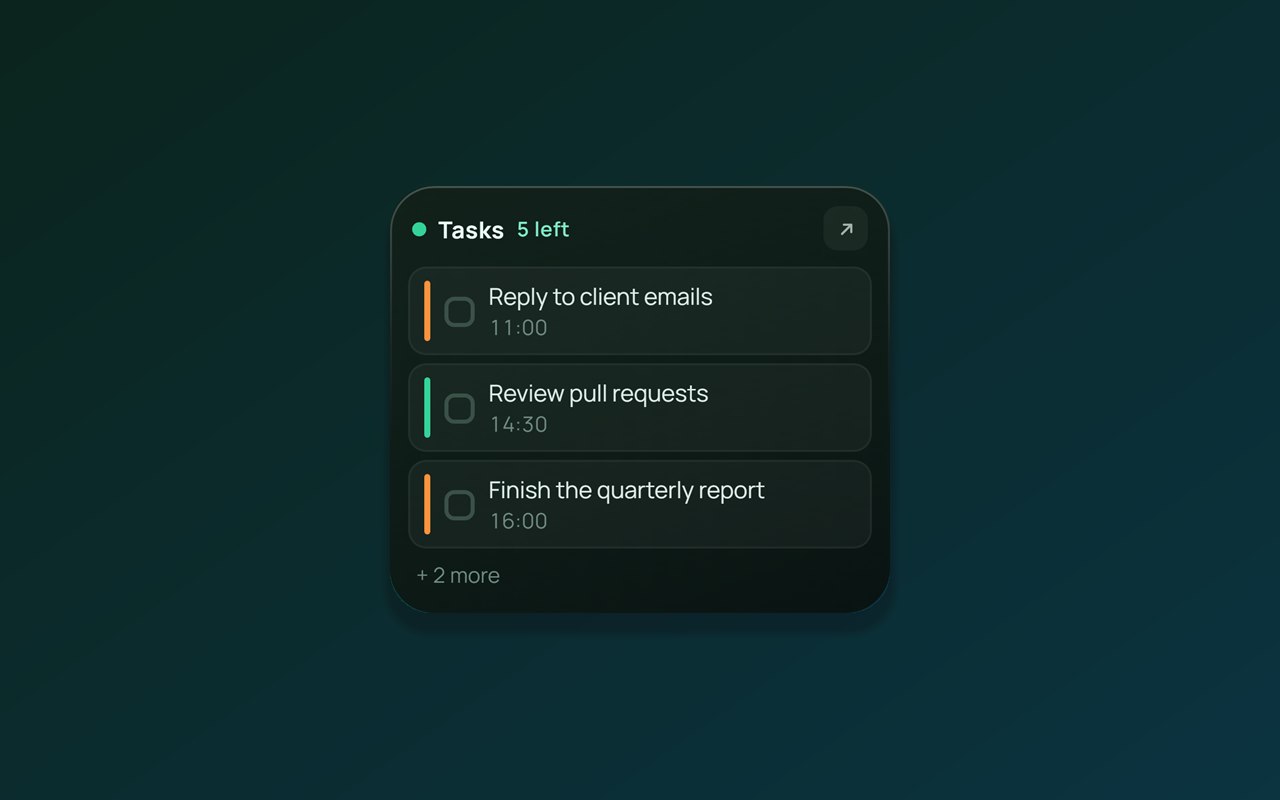
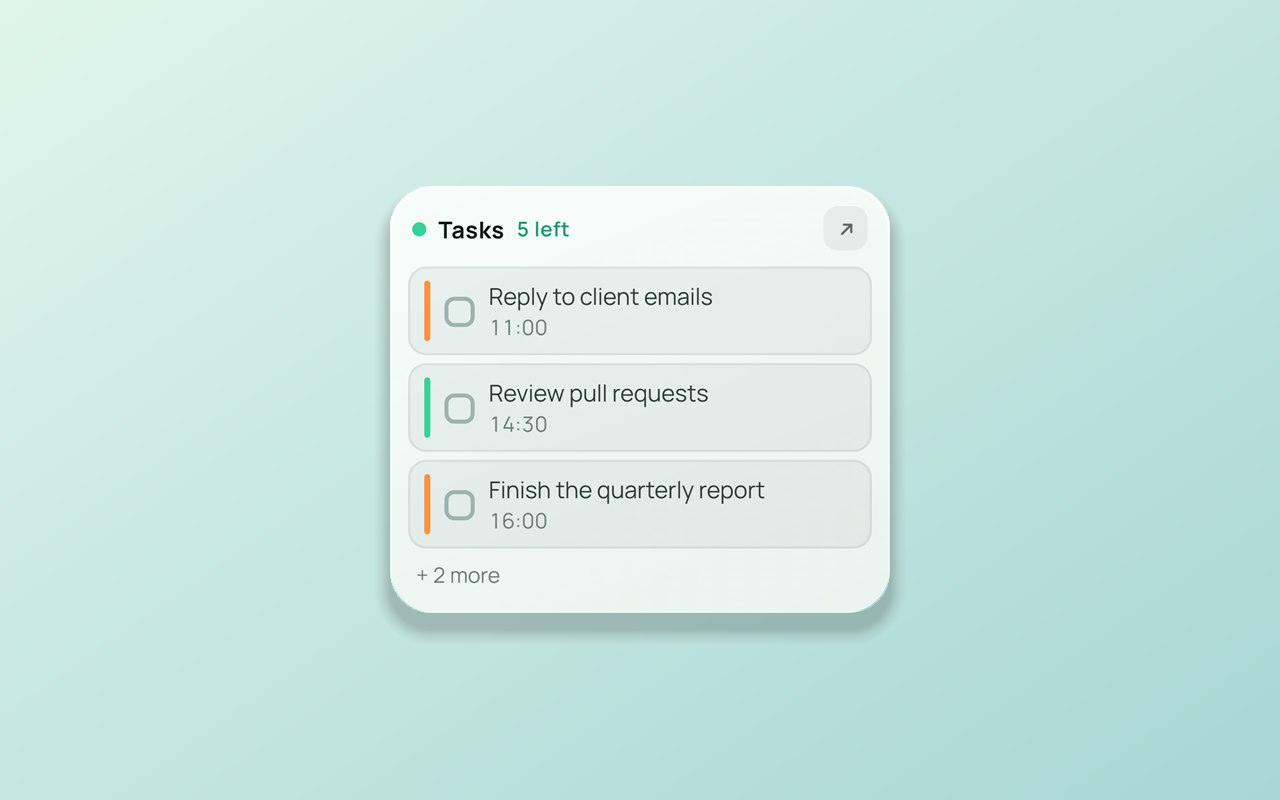
A month calendar, and a small widget with today's tasks that you can tick off without opening the app.
Desktop to-do widgetReminders and tray
A Windows notification 30 minutes before a task is due, or when you choose. PineTodo stays in the tray when you close the window.
Reminders, tray and autostartStatistics and your data
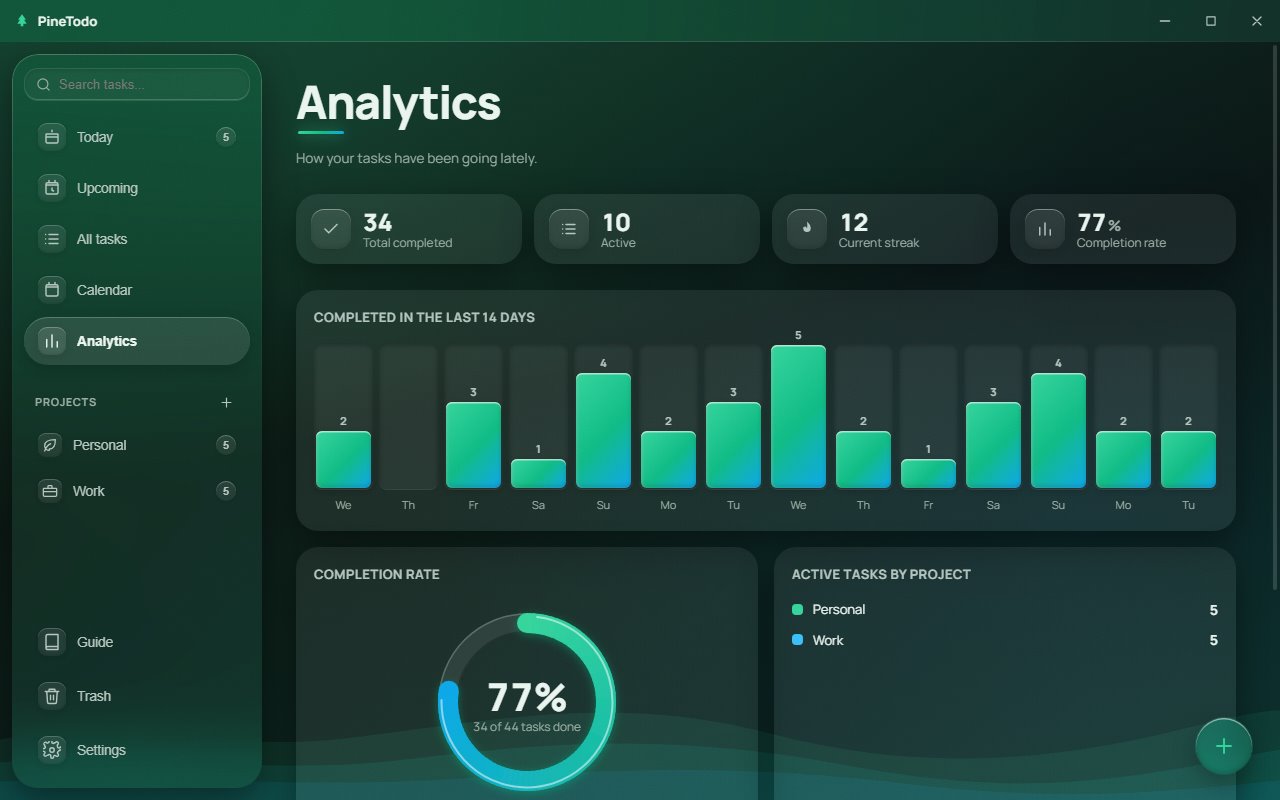
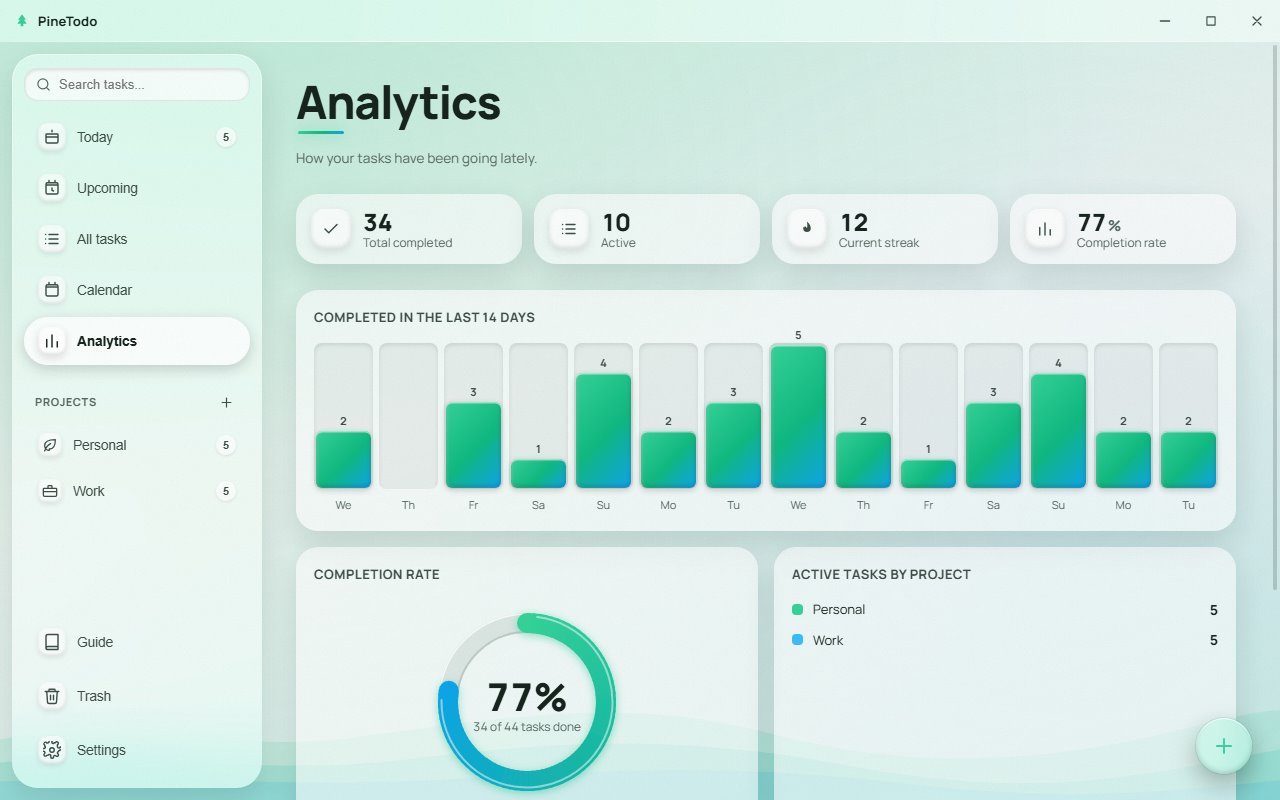
Completions, a streak and a project breakdown. Tasks stay in a local file, with a 7-day trash and a JSON backup.
Offline, no accountType a task as a sentence
PineTodo reads dates, times, priorities, projects, tags and repeats from what you type. See the full list.
See it in action
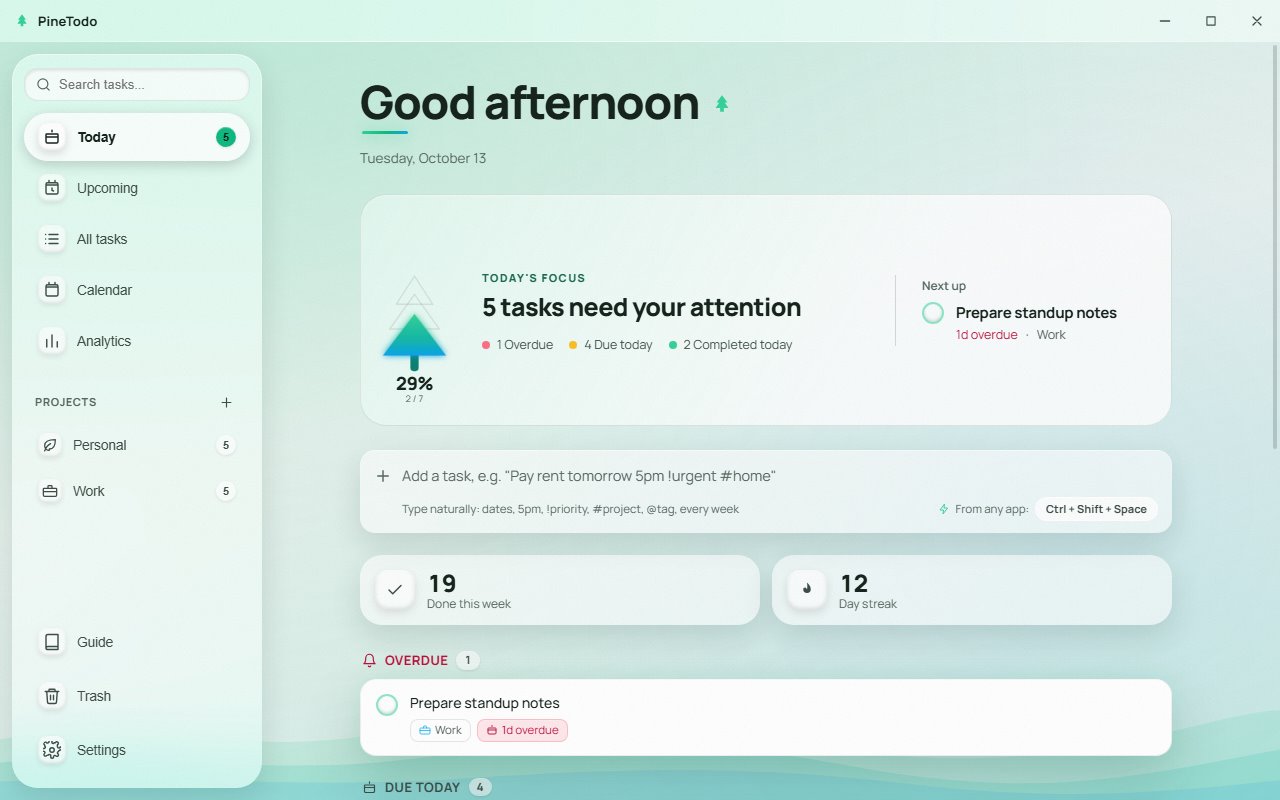
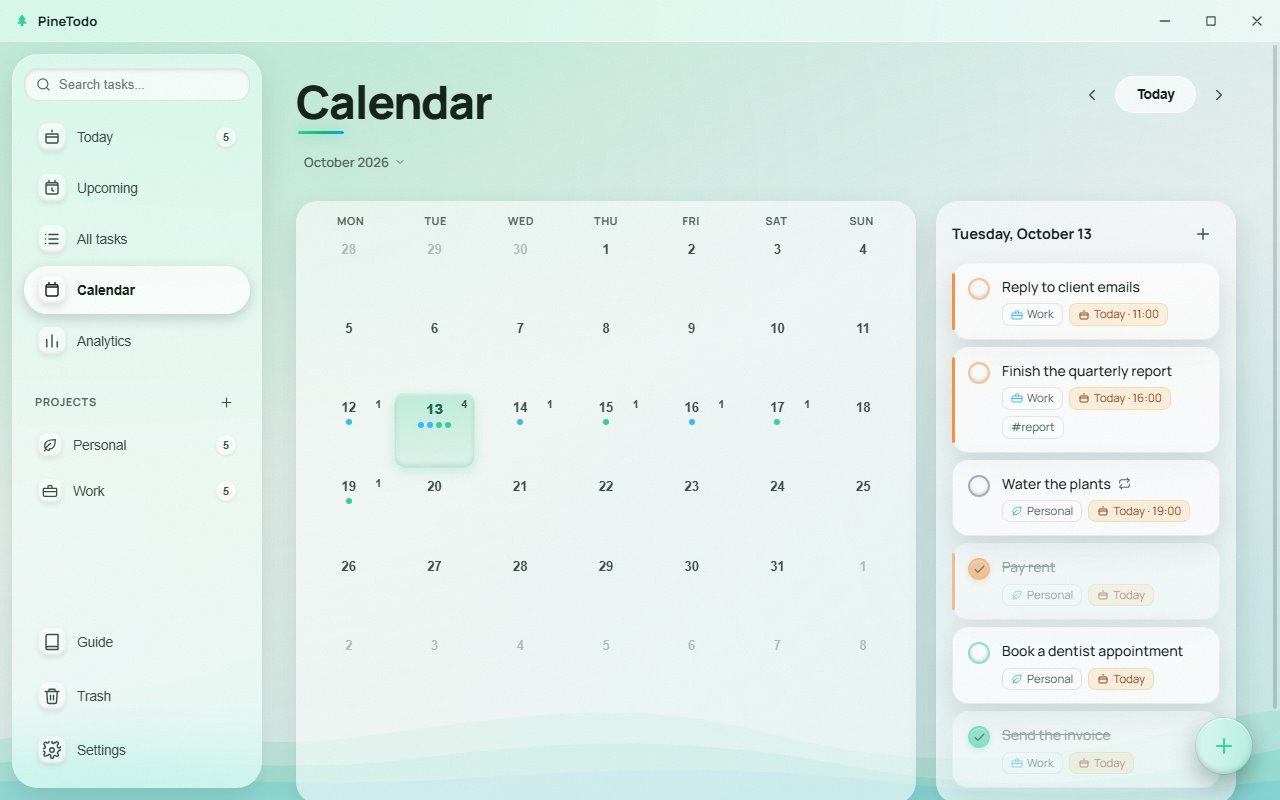
Screenshots from the Windows app.
Privacy
No account
No sign-up and no login. Install it and start typing.
Anonymous statistics only
The app sends nothing. The installer reports one anonymous install count (a random ID). This website uses PostHog analytics for anonymous page and click statistics, with no cookie and no localStorage entry. Your tasks never leave your PC.
No admin rights, clean uninstall
Installs into your user folder. Uninstall from Windows “Apps & features” removes the program, shortcuts and registry entry.
d756ede0b0b48c754b24d02213bb233fd8917d95a59d40504bb2c75cd9a994ba
Verify in PowerShell:
Get-FileHash .\PineTodo-Setup.exe -Algorithm SHA256
- Publisher
- LLC “Umar Nur Kurulus”, Osh, Kyrgyzstan (registration no. 182285-3310-OOO)
- Issued by
- SSL.com EV Code Signing Intermediate CA RSA R3
- Valid
- 3 September 2026 to 3 September 2027, with a trusted timestamp from SSL.com
- Certificate thumbprint (SHA-1)
9364BE796F644B84D95E9C0DD81ECA442F3F898C
Check it yourself: right-click the file, choose Properties, then the Digital Signatures tab, or run
Get-AuthenticodeSignature .\PineTodo-Setup.exe
Before you download
Windows showed a blue “Windows protected your PC” screen. Why?
That's Microsoft SmartScreen. The installer is signed, but SmartScreen also judges how widely a file has been downloaded, so a new release can still trigger it. Click More info: the publisher should read LLC “Umar Nur Kurulus”. Compare the SHA-256 hash above with your downloaded file, then choose Run anyway.
Is it really free? What's the catch?
Yes. No ads, no bundled software and no paid tier. Your tasks never leave your PC, so there is nothing to sell. See Privacy for the anonymous statistics the installer and this site do collect.
Where are my tasks stored, and does it need internet?
On your own PC, in your user profile, and it works fully offline. Export a JSON backup from Settings any time and import it on another machine.
Does it keep running when I close the window?
Yes. It stays in the system tray so reminders and the widget keep working. Quit it from the tray icon with Exit. Start with Windows is under Settings, Behaviour. Reminders are Windows notifications from the running app, 30 minutes before the due time by default.
Known limitations
Windows 10 and 11 (64-bit) only. No sync between devices (export and import move data by hand) and no mobile app. SmartScreen may still warn about a new release until it has been downloaded widely.
Found a bug or missing something? Send feedback.
Download PineTodo
Free for Windows 10 and 11.
What to expect. The installer is signed by LLC “Umar Nur Kurulus” (signature and checksum), but SmartScreen may still warn about a new file: how to get past it. About 341 MB installed, no admin rights.
PineTodo is for Windows 10 and 11. Open this page on your Windows PC to download it.