An offline to-do app with no account and no cloud
Most to-do apps ask for an email address before you can add a task. PineTodo doesn't.
PineTodo runs 100% offline and has no account system at all. Tasks are stored in a local file inside your Windows profile, the app makes no network requests while you use it, and you can export or erase everything yourself. There is no sign-up and no cloud.
What "offline" means here
- No login, ever. Install and start typing; there is no registration screen to skip.
- No network calls from the app. No update pings, no telemetry SDK, no crash reporter. The one network event in the whole product is the installer's single anonymous install count: a random ID and nothing personal, described in the privacy policy.
- Your file, your rules. Data lives in local application data; Settings offers one-click JSON export, import and a full reset.
- Installs without admin rights, into your user folder, so it works on locked-down work machines.
Why choose a local-first planner
A cloud to-do app is a subscription, an attack surface and a dependency. A local one opens instantly, works on a plane, can't be breached server-side, and never sunsets your data behind a paywall. If you later switch tools, your tasks are a readable JSON file.
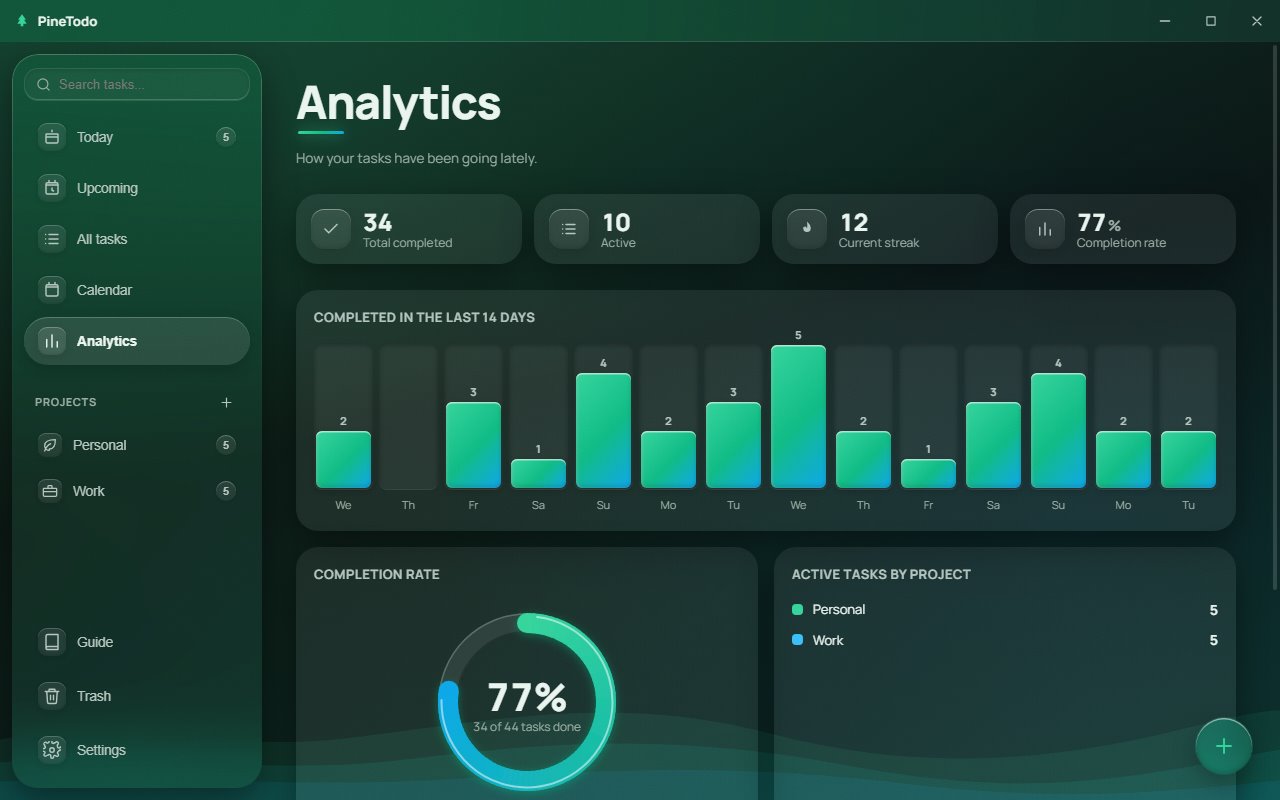
Offline doesn't mean bare-bones: you still get recurring tasks, the global capture hotkey, a calendar, analytics and the desktop widget.
Try it on your own tasks. Free · Windows 10 & 11 · about 147 MB · no account.
Installs to your user folder. No administrator rights needed.
PineTodo is for Windows 10 and 11. Open this page on your Windows PC to download it.
Frequently asked questions
Does PineTodo collect any data?
The app itself collects nothing and makes no network requests. The installer sends one anonymous install count (a random identifier, app version and the word "windows").
Where exactly are my tasks stored?
In a local data file inside your Windows user profile. You can export a JSON backup from Settings at any time and restore it on any PC.
Can I use PineTodo on a work laptop without admin rights?
Yes. The installer writes only to your user folder and never asks for administrator permissions.